Progressive Profiling: A Simple Starter Guide
Short forms convert, rich profiles improve sales follow up. Progressive profiling lets you do both by asking for information gradually, as trust and intent grow
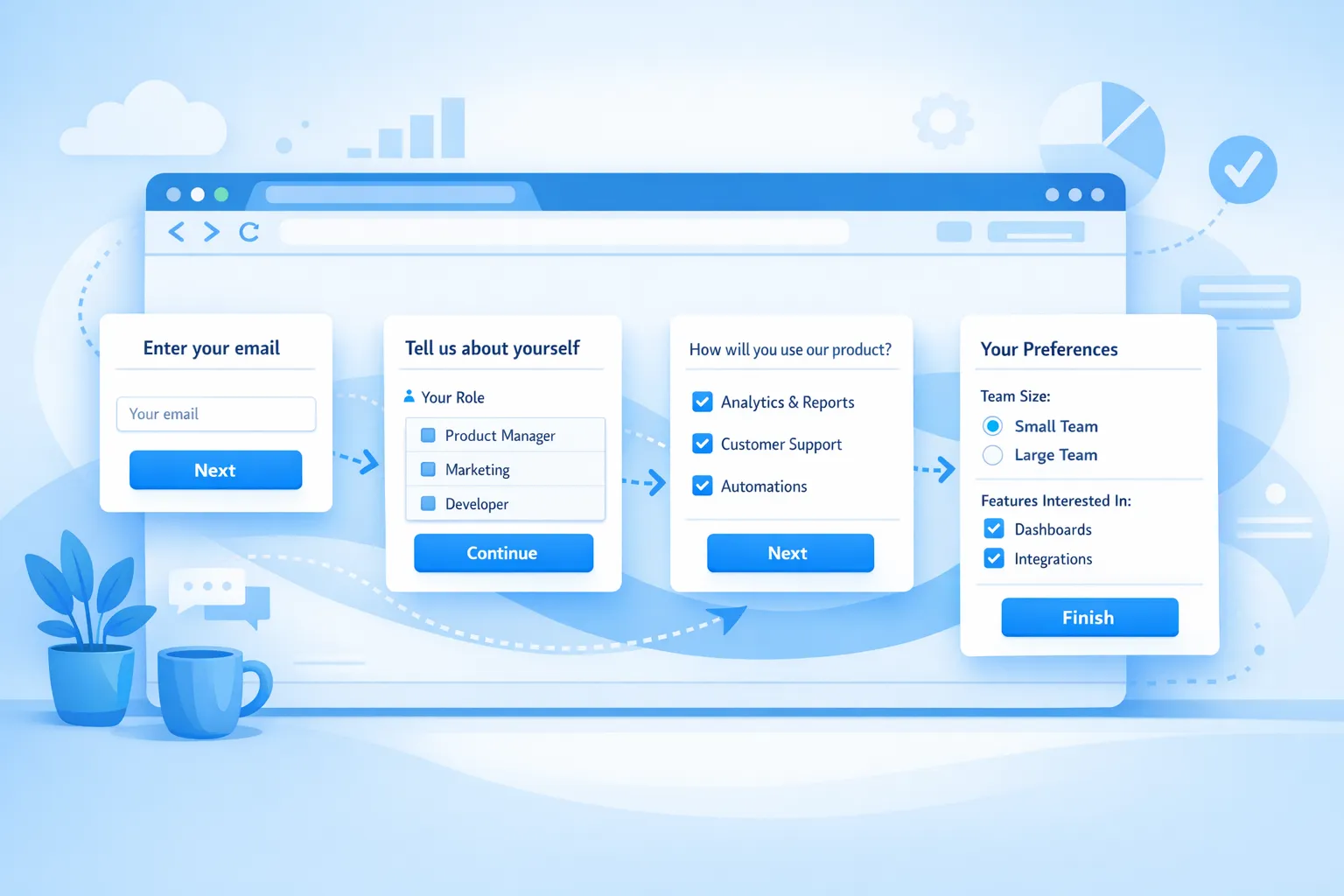
Short forms convert, rich profiles improve sales follow up. Progressive profiling lets you do both by asking for information gradually, as trust and intent grow, instead of front loading a long form that tanks conversions.
This starter guide shows SaaS and website teams how to apply progressive profiling in practical steps. You will learn what to ask first, when to ask for more, how to keep UX respectful, and how to measure impact. Examples and patterns are ready to implement with a website popup tool or feedback widget like Modalcast.
What progressive profiling is (and why it works)
Progressive profiling is the practice of collecting small pieces of user data over multiple sessions or interactions instead of all at once. You start with the minimum needed to deliver value, then enrich the profile at high intent moments. The approach reduces friction, improves data accuracy, and aligns with privacy principles like data minimization.
Two ideas make it effective:
- Ask less up front to remove blockers to action. Shorter forms and focused asks are easier to complete. Nielsen Norman Group’s guidance on progressive disclosure shows revealing information as needed improves usability and decision making. See the principle explained by NN/g in Progressive Disclosure. Link
- Ask contextually when the user sees the benefit. Questions tied to a next step, for example “What tools do you use so we can tailor setup,” get higher quality answers.
Why SaaS teams should care in 2026
- First party data quality matters more as third party signals shrink and buyers research anonymously across many sessions.
- Privacy expectations continue to rise. GDPR’s data minimization principle states you should collect what is adequate, relevant, and limited to what is necessary. GDPR Article 5
- Sales and success teams need complete profiles, but marketing cannot sacrifice conversion with long forms. Progressive profiling bridges this tradeoff.
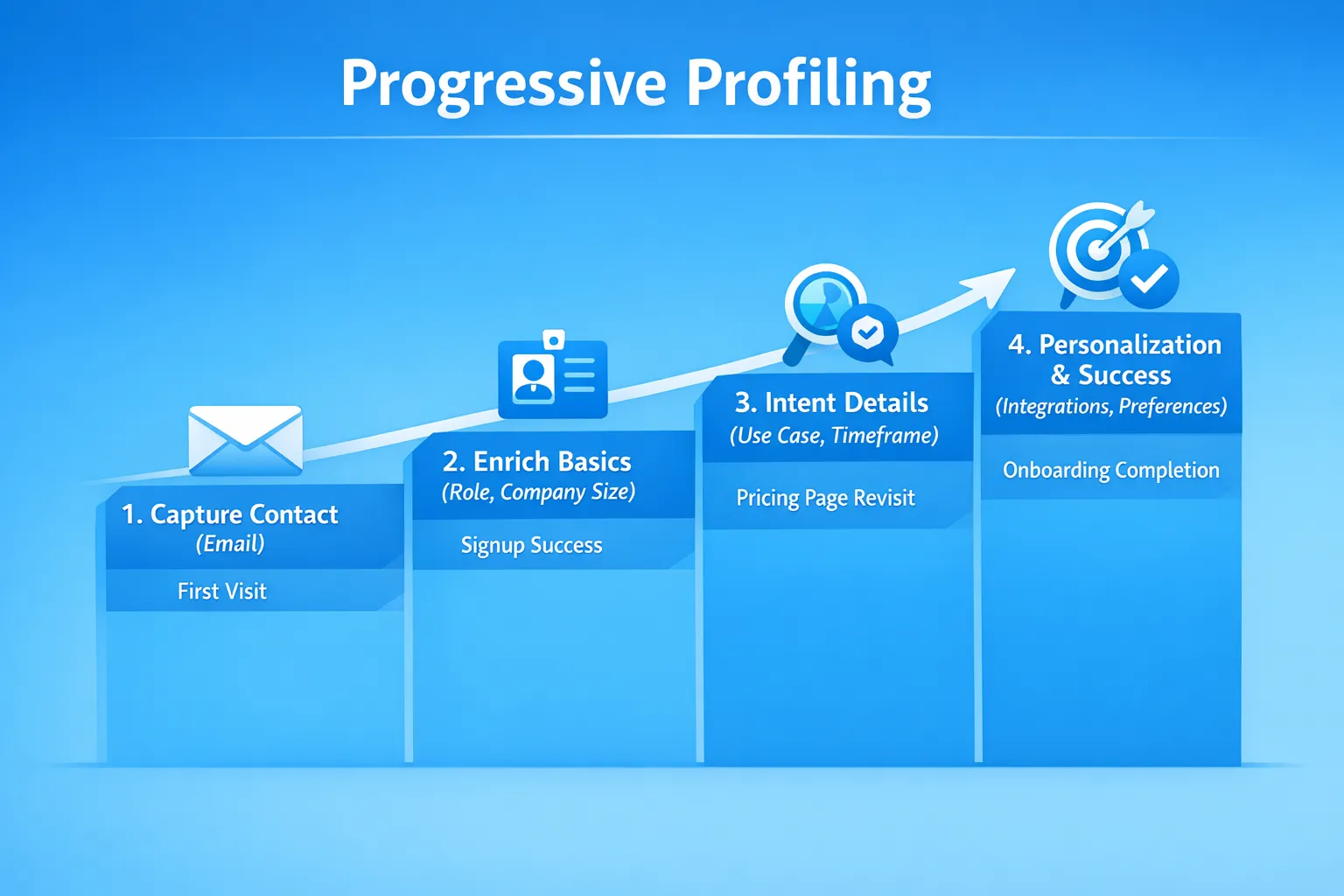
The data model: define what to ask by stage
Start by listing the fields you want in an ideal CRM profile, then sort them into three tiers. You can always refine later, but the first pass keeps your asks disciplined.
| Tier | Goal | Typical fields | Why it is safe here |
|---|---|---|---|
| Core (first conversion) | Let you contact or deliver value | Email, first name, company name if B2B | Needed to send material or create an account |
| Enrichment (early product fit) | Help sales and onboarding | Role, team size, industry, primary use case | Users can answer quickly, value is obvious |
| Intent signals (consideration) | Qualify and route | Timeline, budget range, buying role, key integration interest | Ask when intent is clear, for example pricing revisit |
Keep each ask to one screen when possible, and use the correct HTML input types with autofill to lower effort. MDN’s reference for autocomplete attributes is a useful checklist when you edit forms. MDN autocomplete
What to ask, when to ask, and where to show it
Here is a simple blueprint you can copy. Each row is a micro ask attached to a moment of intent.
| Stage | Trigger example | Ask | Example prompt | UI pattern |
|---|---|---|---|---|
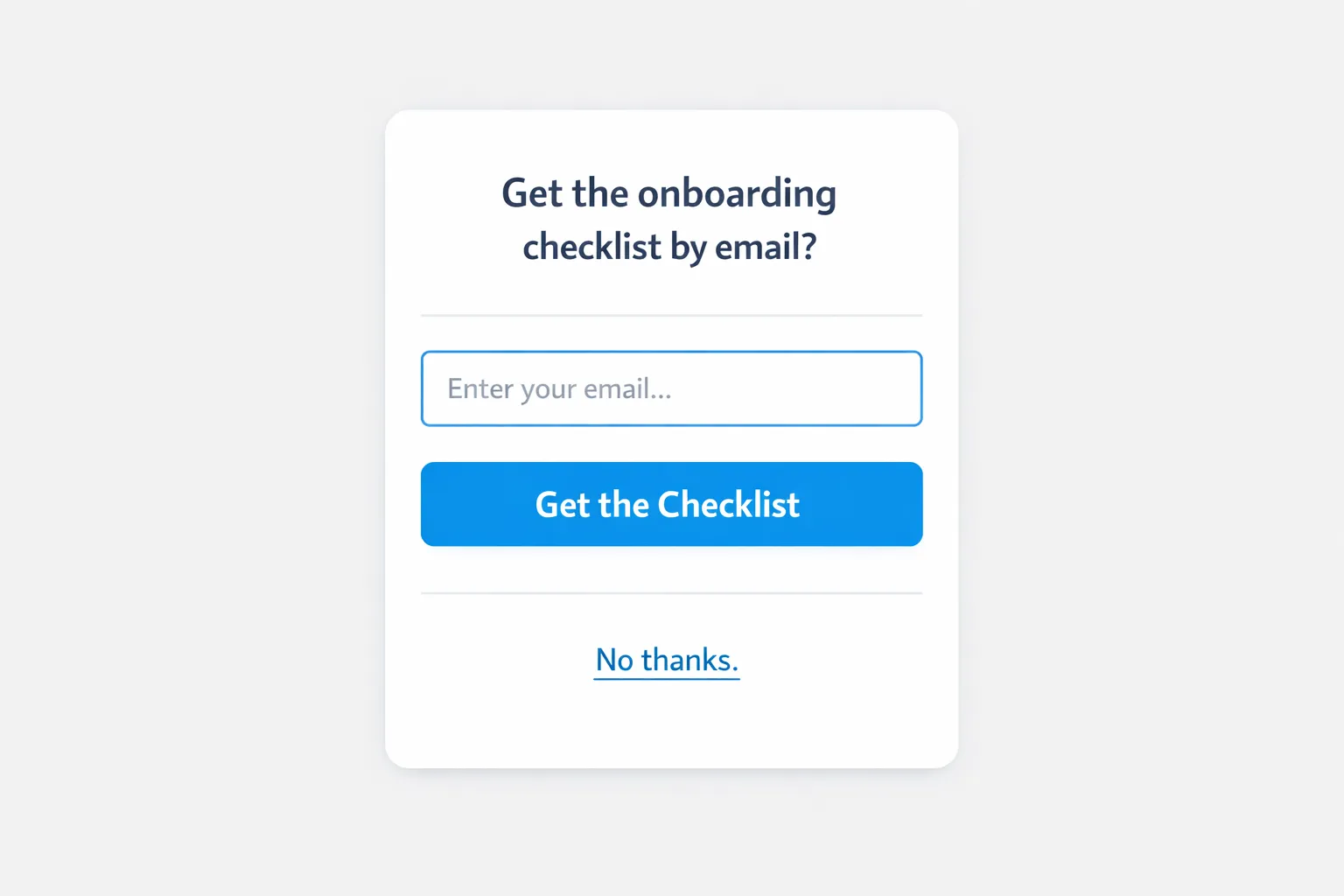
| First anonymous session | 2 pages viewed, 40 seconds on site | Email only, or a 1 question use case poll | “Get the onboarding checklist by email?” or “What brought you here today?” | Small slide in, single field |
| Post signup success | After account creation or resource download | Role and team size | “So we can tailor your setup, what is your role and team size?” | 2 field microsurvey |
| Activation milestone | When a user completes first key action | Primary use case or job to be done | “Which job do you want to complete next?” | Single select chips |
| Pricing revisit | On second visit to pricing within 14 days | Timeline to decide, buying involvement | “Are you evaluating for this quarter?” | Modal with skip |
| Feature page depth | Reading an integration page for 30 seconds | Integration interest | “Using Slack or HubSpot already?” | Inline nudge or small popup |
A few copy pointers that consistently perform:
- Lead with value, then the ask. “We will send tailored setup steps, what is your role?”
- Offer a clear skip. Respect builds trust and does not hurt long term enrichment.
- Keep the first screen single question. If you need more, ask it on a second screen after the user commits.
For more UI patterns, see Feedback Widget Design Tips That Boost Responses. Link
Designing the micro asks
- Make it completable in 10 seconds or less. One decision, not many.
- Prefer multiple choice to free text unless you truly need an open response. This increases data quality and reporting consistency.
- Use progressive disclosure inside the widget. For example, ask “Do you use a CRM?” with Yes or No. Only show the CRM list if the user chooses Yes.
- Use the same field names and allowed values you use in your CRM or CDP to avoid messy mapping.
- Apply smart defaults. If you infer industry from email domain later, do not ask the user again.
If you are optimizing your base forms first, this companion guide can help: High Converting Forms, Best Practices for 2025. Link
Progressive profiling with Modalcast, a simple setup
Modalcast is a lightweight engagement and feedback widget for SaaS and websites. It lets you collect feedback, share updates, capture leads, and promote offers through on site messages and popups without adding complexity. Here is a minimal pattern you can implement in an afternoon.
- Create three small posts in your Modalcast feed
- Email capture, single field. Purpose, start a relationship without friction.
- Role and team size follow up. Purpose, tailor onboarding and content.
- Use case or integration interest. Purpose, personalize next steps and routes.
- Attach respectful trigger rules
- Email capture on first visit after 40 seconds or 50 percent scroll on high intent pages, for example features or guides.
- Role and team size after signup or resource download, for example the next page load.
- Use case interest when a user reads a feature page for a threshold time.
- Add frequency caps and suppression signals
- Show at most one popup per session and a maximum of two per week. See our guide on Popup Frequency Capping That Protects UX. Link
- Suppress asks for users who completed the field already.
- Suppress during critical tasks like checkout or a long form.
- Draft, preview, and publish
- Use Draft Posts to stage edits and collect internal feedback before you go live.
- Launch with a holdout audience so you can estimate incremental gains.
- Route the data
- Export responses from your Modalcast dashboard and map them to your CRM or analytics. Start with weekly exports, then automate when you are ready.
If you are new to lightweight research prompts, this playbook shows how to collect micro feedback without hurting conversions, Collect Feedback Without Killing Conversions. Link
Respecting privacy and trust
- Be transparent about purpose. If the ask supports personalization or support quality, say so in the copy.
- Ask for what you need, when you need it. This aligns with GDPR’s data minimization and builds credibility. GDPR Article 5
- Always provide a skip or “Not now.” Forced questions create drop offs and bad data.
- Honor user preferences, for example do not ask again once the field exists.
- Store only what you plan to use. Delete stale enrichment fields that never inform decisions.
How to measure success
Use quantitative and qualitative signals. If you can, baseline against your current long form or a version with fewer progressive asks.
| Metric | What it tells you | Good early target |
|---|---|---|
| First ask completion rate | Is your first step too heavy | 50 to 70 percent depending on traffic source |
| Profile completeness after 30 days | Are you enriching within a reasonable window | 30 to 60 percent of active leads enriched |
| Conversion to next funnel step | Does less friction help signups or trials | Any lift over baseline is meaningful |
| Opt out or dismiss rate | Is the timing off, is UX too pushy | Keep under 40 percent for on site asks |
| Data quality score, for example percent of values usable | Are options clear and consistent | Above 90 percent valid values |
Instrument simple user experience metrics too, for example time to complete the ask and error rates. Add a one tap “Was this helpful” micro rating after a few days to validate sentiment.
A quick 14 day rollout plan
- Days 1 to 2, define tiers, Core, Enrichment, Intent, map to CRM fields.
- Days 3 to 5, write micro copy for each ask, build the three Modalcast posts.
- Days 6 to 7, configure triggers and frequency caps, test on staging.
- Days 8 to 10, launch to 50 percent of traffic, keep the other 50 percent as control.
- Days 11 to 14, analyze completion and early conversion, tune timing and copy, expand exposure.
Real world examples you can adapt today
- Trial signup with email first. Replace a long demo form with a two step pattern. First screen, email only. Second screen, optional role and team size. Then use a Modalcast follow up on the features page to ask a use case question.
- Pricing page revisit signal. When a known user returns to pricing, ask for timeline to decide with three options, this month, this quarter, later. Use the answer to personalize the CTA and email cadence.
- Integration led onboarding. If a user views the Slack integration page twice, prompt with “Do you want Slack alerts during trial?” Capturing Yes aligns the setup checklist and the next message.
For step by step instructions on building short surveys and microsurveys, see How To Set Up Microsurveys in Your Website or App. Link
Common pitfalls to avoid
- Asking for company size or budget on the first visit when your value proposition is not clear yet.
- Duplicating asks across channels. If you already have the field from signup, do not ask in a widget.
- Using open text where multiple choice would be faster and easier to analyze.
- Ignoring mobile ergonomics. Keep targets thumb friendly and use native input types.
- Letting campaigns collide. One popup per session is a useful default until you have stronger orchestration.
Helpful resources
- Progressive disclosure principle by Nielsen Norman Group. Link
- GDPR data minimization overview. Link
- MDN reference for HTML autocomplete attributes. Link
- Popup Frequency Capping That Protects UX. Link
- High Converting Forms, Best Practices for 2025. Link
Frequently asked questions
What is the simplest way to start progressive profiling? Start with one small ask tied to a real benefit, for example email capture in exchange for a checklist or onboarding tips. Add one enrichment question after signup, such as role, and stop there until you see results.
Which fields should I ask for first? Email or preferred contact is usually first. If you do not need email yet, ask a single use case question to segment content. Save team size, timeline, and budget for later stages when intent is clear.
Do I need complex branching logic to make this work? No. You can chain small, targeted posts with simple triggers, for example show Ask B only to users who completed Ask A. If your tool supports in widget branching, use it, otherwise sequence posts.
How do I keep this compliant with privacy rules? Explain why you ask, collect the minimum required, provide a skip, and stop asking once a field is set. GDPR calls this data minimization. Include links to your privacy policy where appropriate.
Does progressive profiling work for anonymous visitors? Yes. You can start with non identifying segmentation questions that drive immediate value, then ask for contact when the user is ready.
How do I know if it is working? Track first ask completion rate, profile completeness within 30 days, conversion to next funnel step, and opt out rate. Compare against a baseline period or a holdout group.
Try progressive profiling the simple way
If you want a low effort way to collect the right data at the right moment, try a lightweight feedback and lead generation widget. With Modalcast you can create short forms, microsurveys, and respectful popups with triggers and frequency caps, then export results to your CRM. Start small, iterate weekly, and let your profiles grow as trust grows.
Get started at Modalcast. https://www.modalcast.com
